Plyb TVScreen management and security · Private beta
All your screens from one dashboard. Including the one that isn't responding.
Plyb TV controls, secures, schedules and publishes content on LG TVs and professional displays spread across many sites, and tells you what happened on each one. It runs on your own servers: your organisation's data never leaves for the internet.
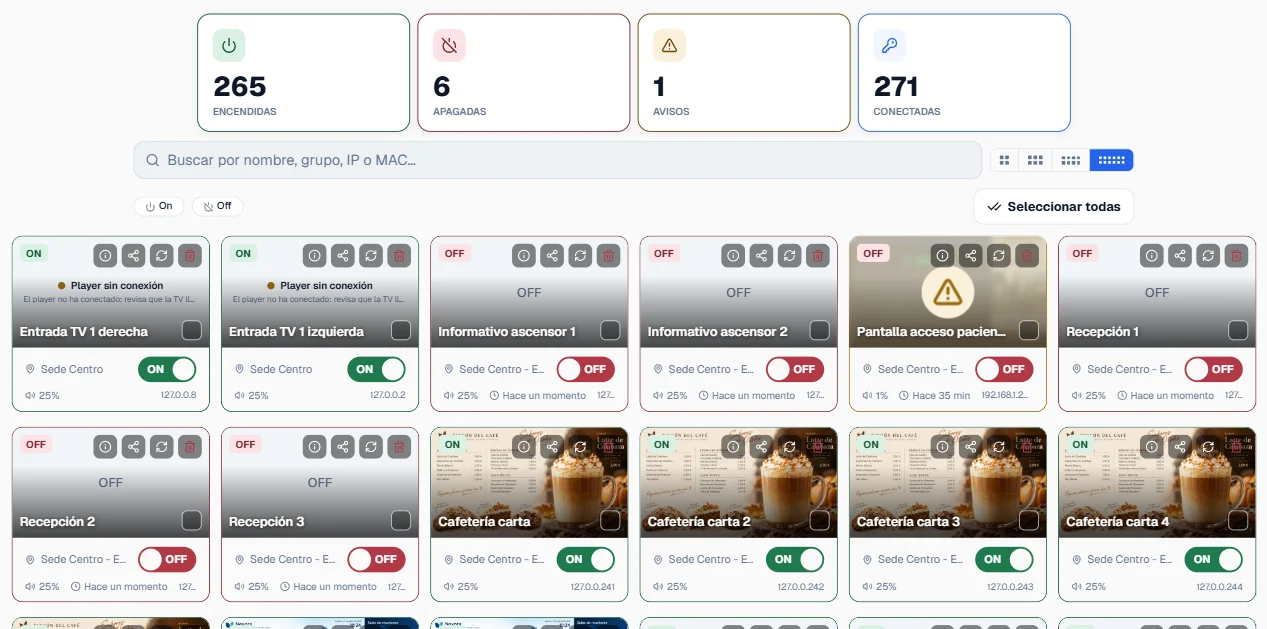
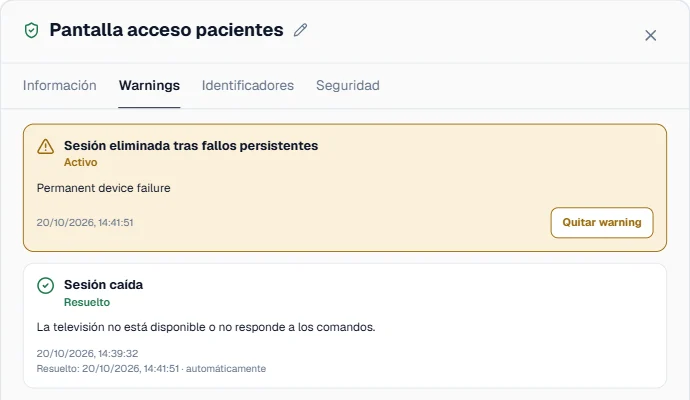
14 of 15 screens on. Patient entrance, Central site is not responding.
No more calling each site to ask whether a screen is on. No more travelling to change what it shows. And no more screens left on all weekend because nobody remembered to switch them off.
- Hospitals
- Airports
- Care homes
- Public administration
- Large corporations
01Visibility and alerts
Your whole network, at a glance.
On, off, needs attention: the dashboard shows the real state of every screen and updates itself, with nothing to reload.
If one stops responding, it is flagged with its details: where it is, which group it belongs to and how long it has been silent. You find out before anyone has to go and look.
02Group commands
One command for many screens, and confirmation from each one.
Switch on, switch off or reschedule an entire group of screens in one go.
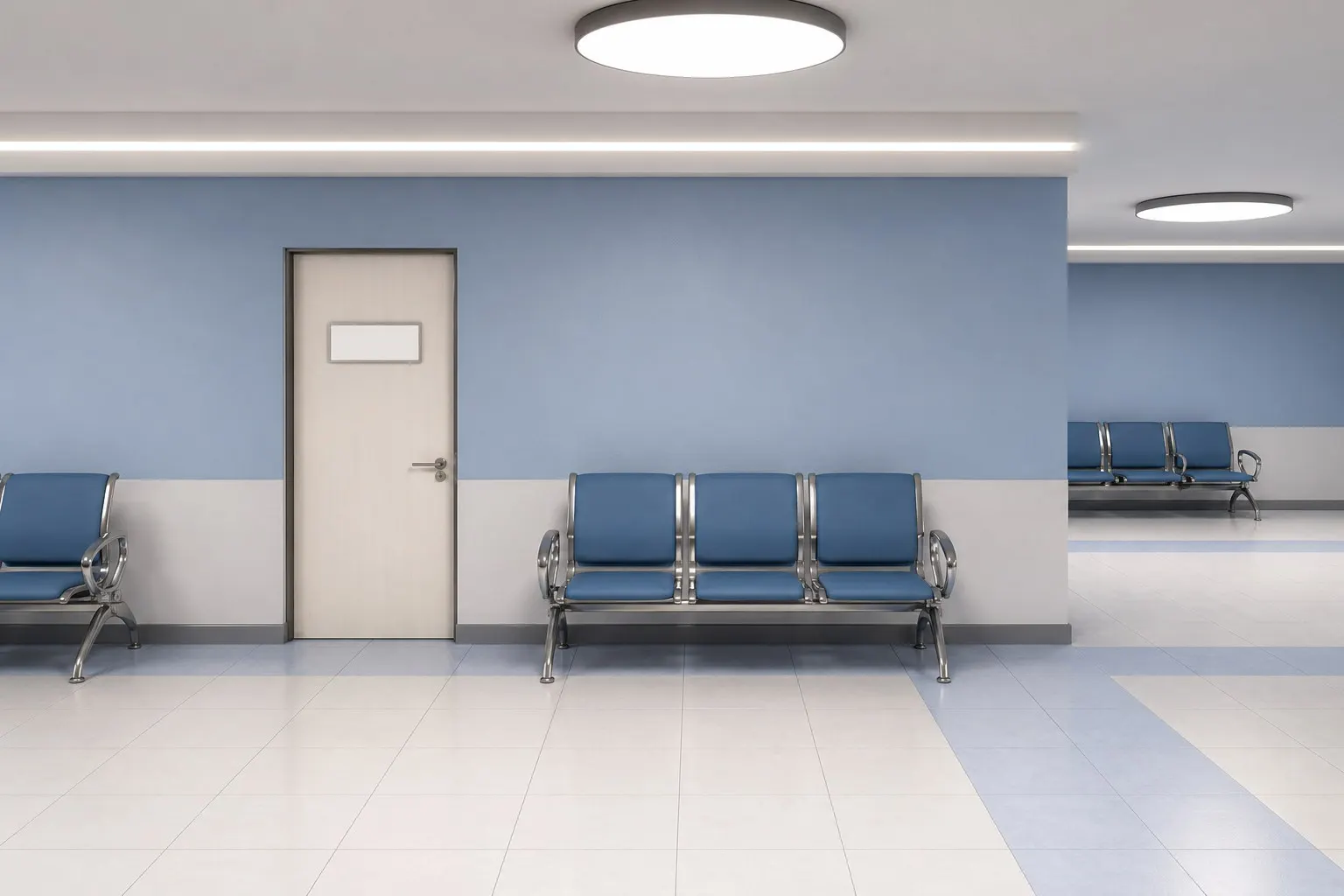
The result comes back screen by screen, not as a generic “sent”, so an exception doesn't get lost among the ones that did respond. Try it with the three in this room.
 No content configured
 Connecting…No content configuredConnecting…No content configuredConnecting…
3 of 3 screens onAll of them responded
03Screen security
Screens locked to anyone who shouldn't touch them. And credentials that renew themselves.
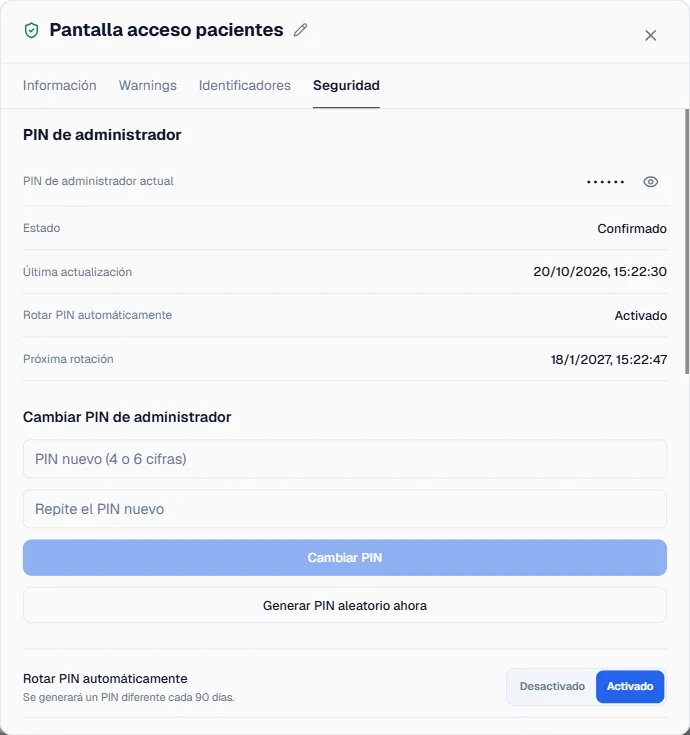
On LG Signage professional displays, Plyb TV locks the remote, USB ports, menus, network settings and screen sharing. It updates firmware and certificates, and changes the admin PIN and the web panel password of every screen.
For organisations that have to meet device security requirements, that PIN and password rotate automatically at whatever interval you set.
 No content configured
04Digital signage
Change what's on screen without leaving your desk.
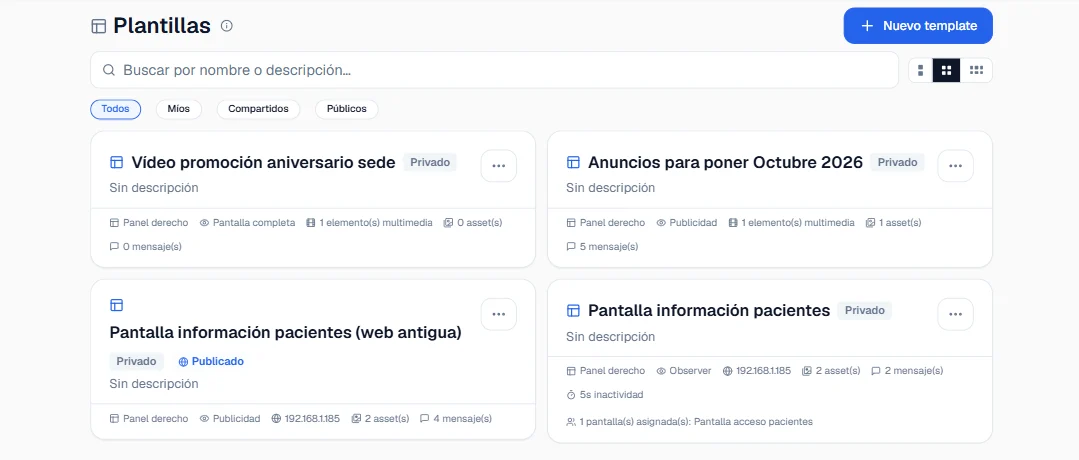
Build a template with images, video, a web page or a carousel, and publish it to the screens you choose. The change applies instantly, with no restarts and no site visits.
Image · GIF · Video · Web · Carousel · Text ticker
05Scheduling
Schedule it once, it repeats itself.
You decide when your screens switch on, switch off or change content, and it happens every day without anyone having to remember.
- 07:30Power on14 screens
- 12:00Switch to “Today's menu”template
- 16:00Switch to “Notices”template
- 21:30Power off14 screens
06Per-site permissions and log
Give one site access without opening the whole network. And keep a record of who changed what.
Share only the group of screens that applies, with edit or read-only access. Every action is logged with its person, time and result, and the history exports to PDF.
| Time | Who | Action | On what | Result |
|---|---|---|---|---|
| 09:12 | maria.ops | Schedule edited | Cafeteria | Success |
| 09:15 | maria.ops | Group shared, edit access | South site | Success |
| 09:20 | audit | History exported to PDF | Read only | Success |
| 09:31 | system | Scheduled power-on | 15 screens | 14 of 15 |
Private betaA demo built on your real case
How many screens do you have?
Tell us how many screens and sites you have, and which models. We'll prepare a demo around your case and tell you what you can control today and what you can't.